Sharing
How to share Local Eyes
Share the places, people and local ideas you love — online or in print.
Share Local Eyes
Video coming soon. See how to share a region, town, interest, place or event online and in print.
Start here
Share what you love about a place
Start here
Share what you love about a place
A favorite business, an event you are excited about, or a guide to your town can help someone feel more connected to the community. When more people discover and visit local places, businesses get support and towns have more chances to thrive. You do not need to make a page or gather all its details yourself. Find the view that tells the story you want to pass along, then use its Share option to send it online or make something people can pick up and scan.
Think of one person who would enjoy this place or idea. What would you want them to see first?
01 · Choose a view
Start wide or get specific
01 · Choose a view
Start wide or get specific
Choose the page that best matches your invitation. A region helps someone discover towns and ideas across a wider area; a town brings its local places and happenings together. An interest guide connects a theme, such as live music or wineries, across town lines. A listing gives one business or venue the spotlight, while an event gives someone a date and a reason to go. You can share any of these without asking the recipient to retrace your search. If you want to point out several favorites of your own, make a recommendation list and share that instead.
- 1A broad invitationPick a region or town when someone is still deciding where to explore.
- 2A specific recommendationPick an interest, place or event when you already know what they would enjoy.
02 · Region
Show the whole region
02 · Region
Show the whole region
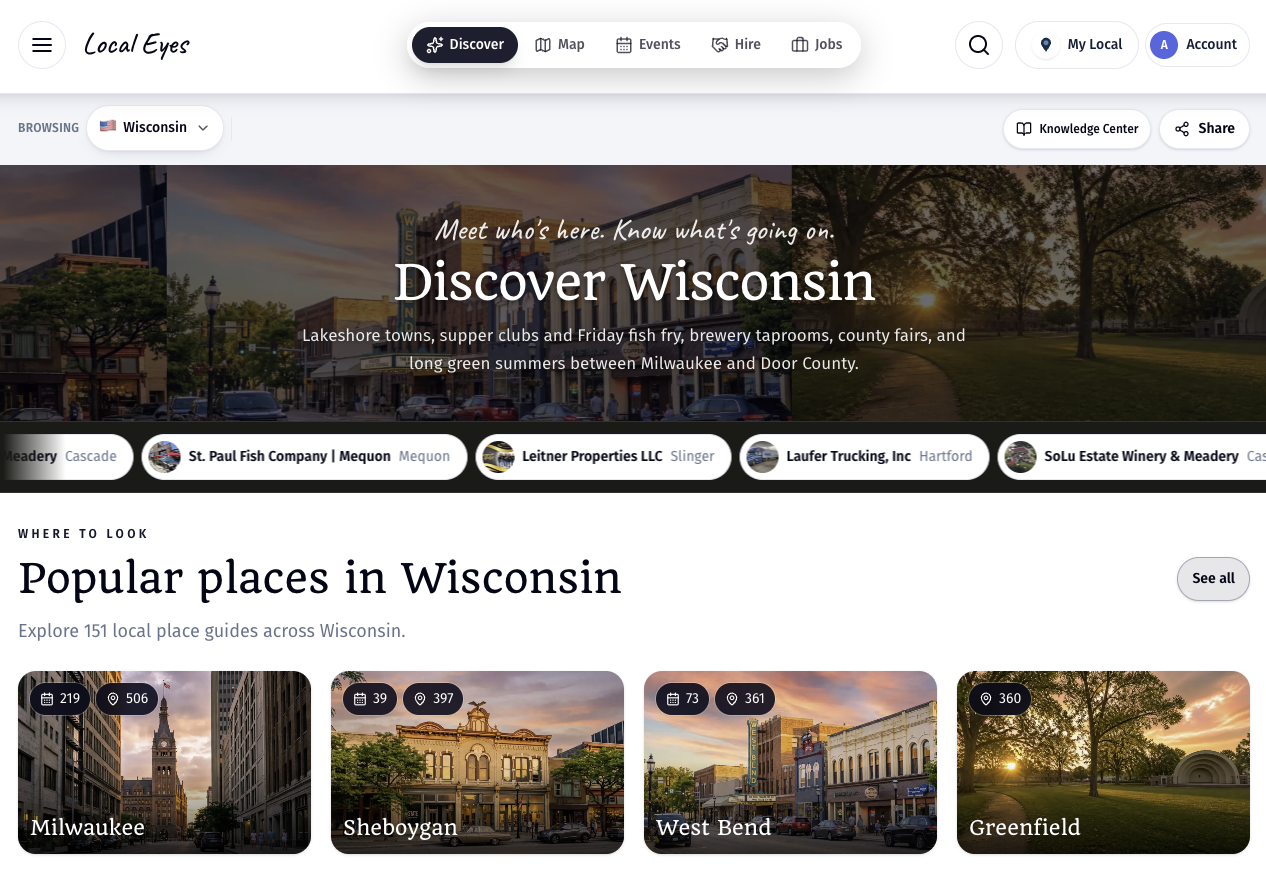
The region page is a good starting point for someone new to an area. It introduces the region, offers towns to explore, and leads into upcoming events and interests. Open the region you want to share and choose Share near the top of the page. The online option passes along that overview so your friend can choose a town or theme for themselves. For an in-person invitation, switch to Print poster in the same share window and choose an available format. A printed code opens the live region page, rather than freezing today’s towns and events on paper.
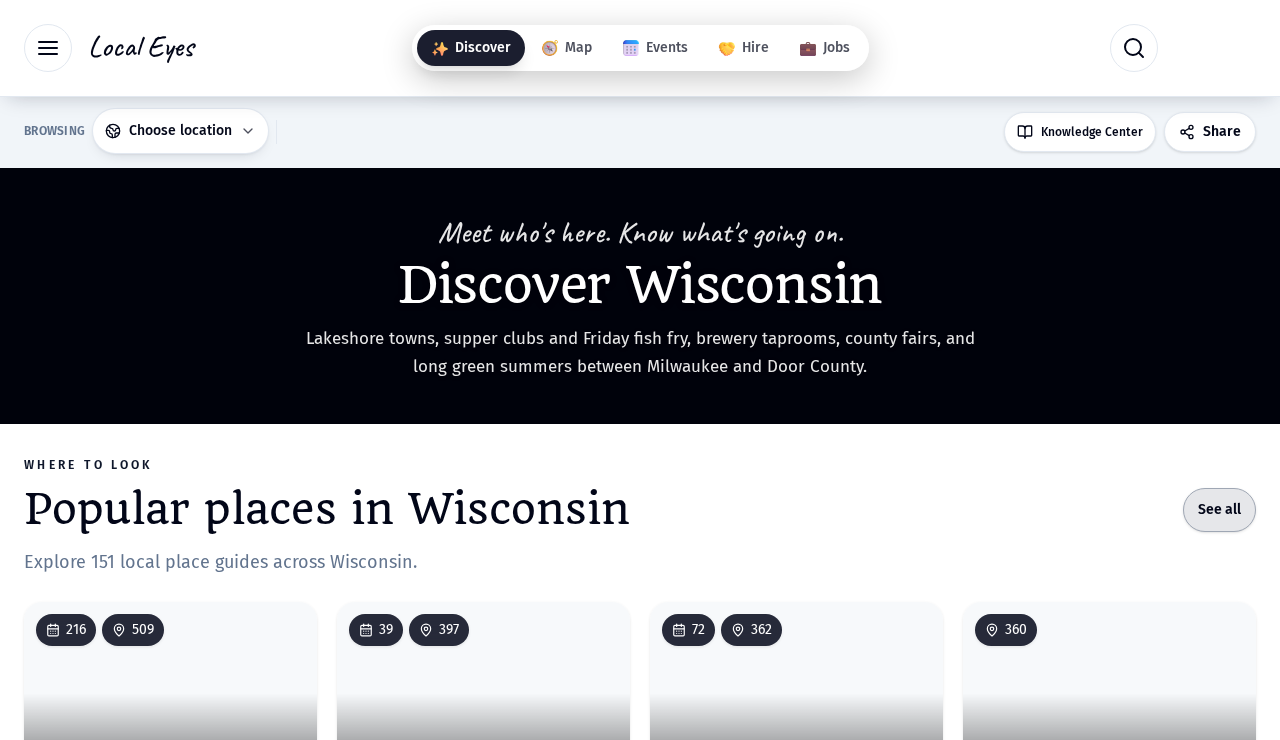
A region share works well for a community group, a visitor planning a trip, or someone deciding which town to visit.
03 · Town
Give someone a whole town to explore
03 · Town
Give someone a whole town to explore
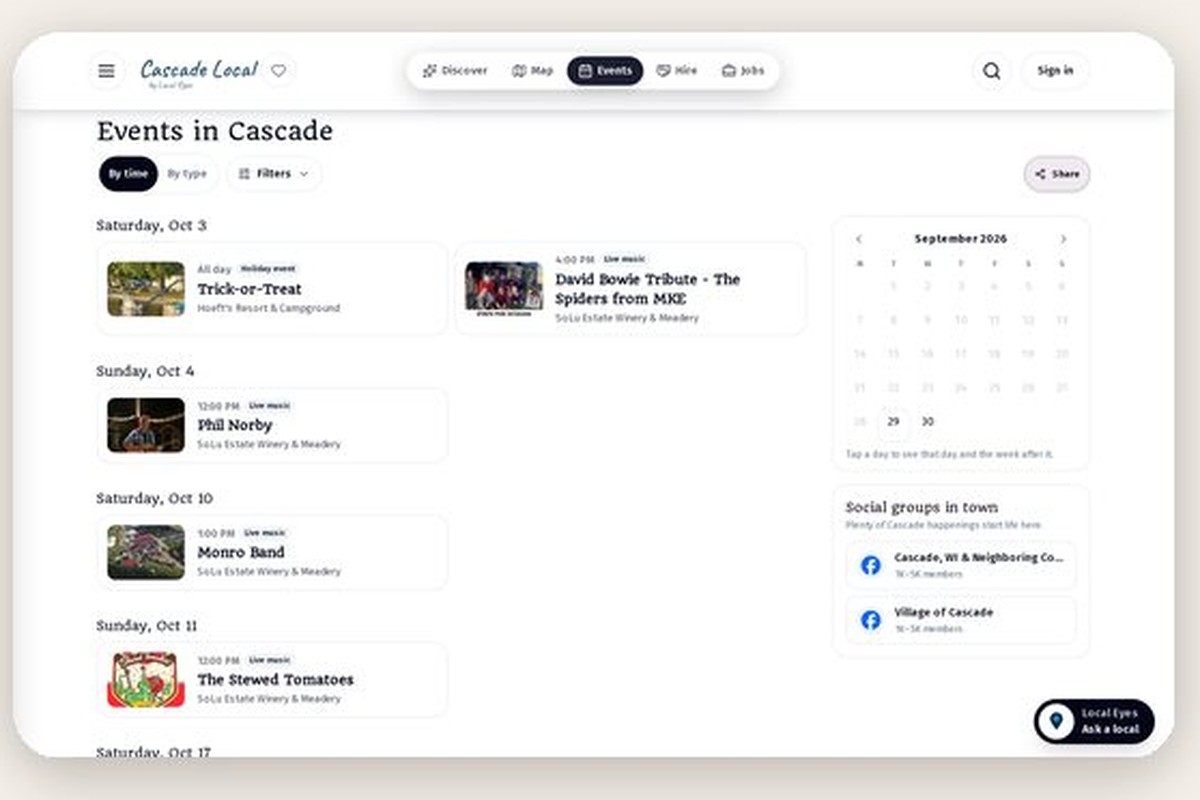
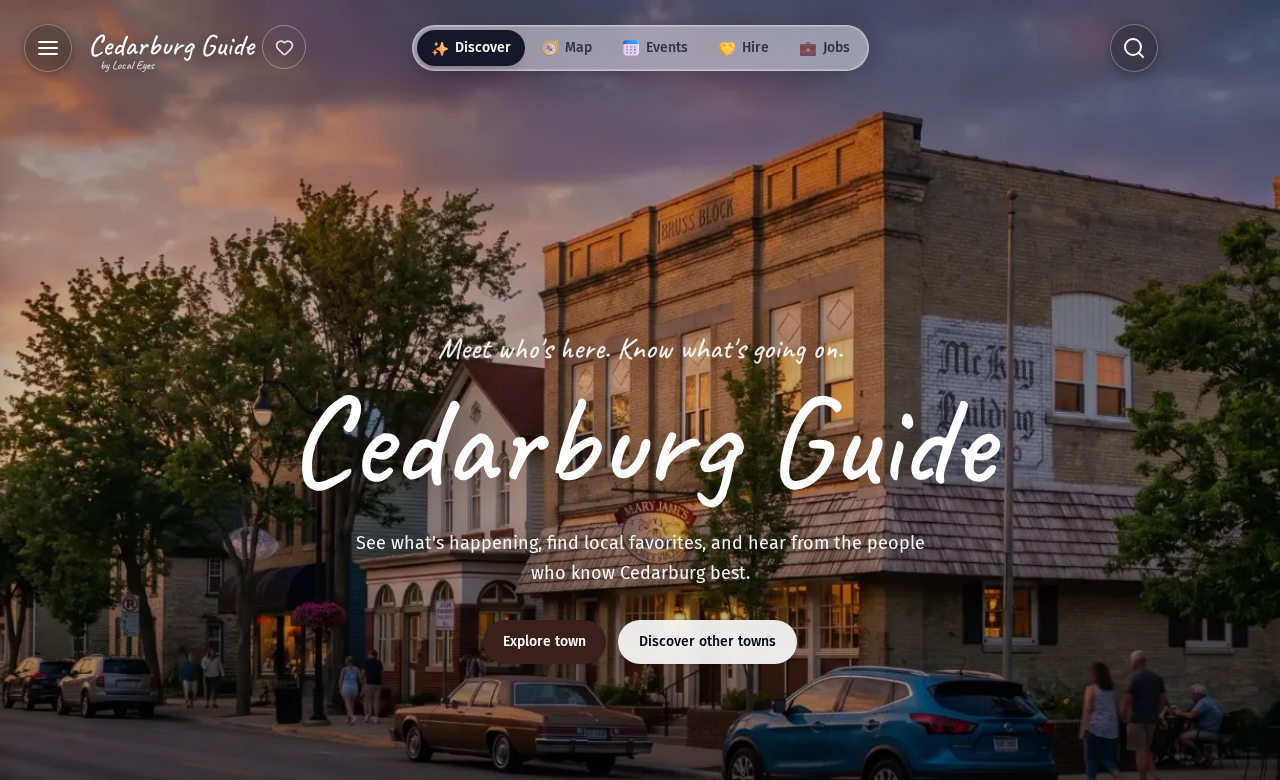
A town guide brings its places, events, local recommendations and other ways to explore into one destination. Open the town you want to share; on a phone, look in the town menu for its share option rather than relying on an old screenshot of the page. Share online when you want to send the whole town to a friend or a group chat. Open Print poster for a physical invitation at a welcome desk, shop or community gathering. Because the code leads back to the town guide, people can see what is current when they scan it, even after the printed sheet has been up for a while.
04 · Interest
Lead with a shared interest
04 · Interest
Lead with a shared interest
Sometimes the best recommendation is a subject, not a place. An interest guide can bring together music, food, outdoor activities or another theme across several towns. Open the guide for the region you mean, then share it online with someone who already loves that subject. Add a sentence of your own so they know why you thought of them. If you are inviting people to explore in person, check the Print poster tab for that guide’s available layouts. A physical guide at a relevant venue or event can help people discover related places beyond the one they came for.
An interest guide is especially useful when the person knows what they like but has not chosen a town.
05 · Place
Put a favorite place in the spotlight
05 · Place
Put a favorite place in the spotlight
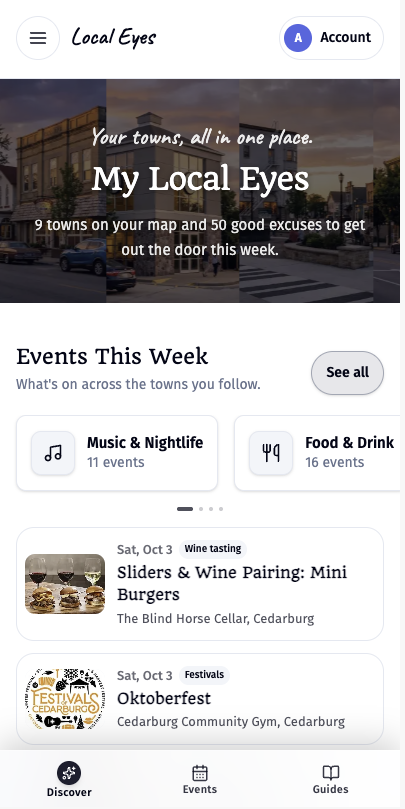
Use a listing when you want someone to find one business, venue or stay directly. Its page keeps the practical details together, such as its description, photos, location and any events the owner has added. On a phone, the Share action may be in the bar at the bottom; on a larger screen, look beside the listing details. Send the page online with a personal reason to visit, or use Print poster if a counter, window or table would help more people discover it. The available poster formats depend on the page; choose the one that fits where people will see it.
A personal note makes a place recommendation much more useful than a bare link.
06 · Event
Give people a date to look forward to
06 · Event
Give people a date to look forward to
Choose an individual event when the time, place and people involved are the reason to share. Open its page and use Share to send the event online. A short note such as “This is happening near us this weekend” helps your message feel like an invitation rather than an announcement. In the Print poster tab, choose an available event flyer or other format for the venue door, a notice board or a community event. Unlike a town poster, an event print is tied to a specific date; check that date and the event details before putting it up.
For several upcoming events at one venue, share the venue page instead of making someone open each event separately.
07 · Online
Share online, with your own words
07 · Online
Share online, with your own words
On the page you chose, open Share and stay on Share online. Use the available options to copy a link or a ready-made post, send by message or email, or share through a social channel. The preview and text are a starting point, not a substitute for your voice. Say why you love the place, who should go, or what is happening soon. Send it directly to a friend when it feels personal; post in a local group when the idea would help more people. Check the page you are sharing first so your note matches what they will actually see.
- 1Choose the pageRegion, town, interest, listing or event — open the one you want people to land on.
- 2Choose a channelUse the options shown under Share online to copy, send or post.
- 3Add your reasonA sentence in your own words turns a link into a recommendation.
08 · In person
Print something people can take with them
08 · In person
Print something people can take with them
Open Share on the same page and switch from Share online to Print poster. Preview the formats offered there: a wall flyer suits a door or notice board, while a table tent can stand on a counter or table where that format is available. Choose the subject and format that fit the setting, then download the available PDF for printing or PNG for an image you can also post digitally. Put the print where people are already gathering, such as a venue, festival or community event. Its scannable code leads to the live page, so changes to a town, place or guide do not require reprinting just to keep the destination current. Event-specific dates are different: replace the print after the event passes.
- 1Preview the layoutPick from the formats offered for that particular page.
- 2Choose a fileUse PDF for printing or PNG when an image is more useful.
- 3Place it with purposeA counter, welcome desk or notice board works best when the guide is relevant to the people there.
The point is not simply to pass along a link. It is to help someone find a place worth visiting and give the people behind it more visibility.