Getting started
Follow a town and save favorites
Follow a town to get its best in one weekly email, and save places and events to find them again. Both are free and take one tap.
Start here
Follow a town in one tap
Start here
Follow a town in one tap
Following a town is the simplest way to keep up with it. Once you follow, the town joins your personal guide, its week appears on your My Local Eyes page, and you get one weekly email with what is on and what is new. It is free, takes one tap, and you can stop at any time.
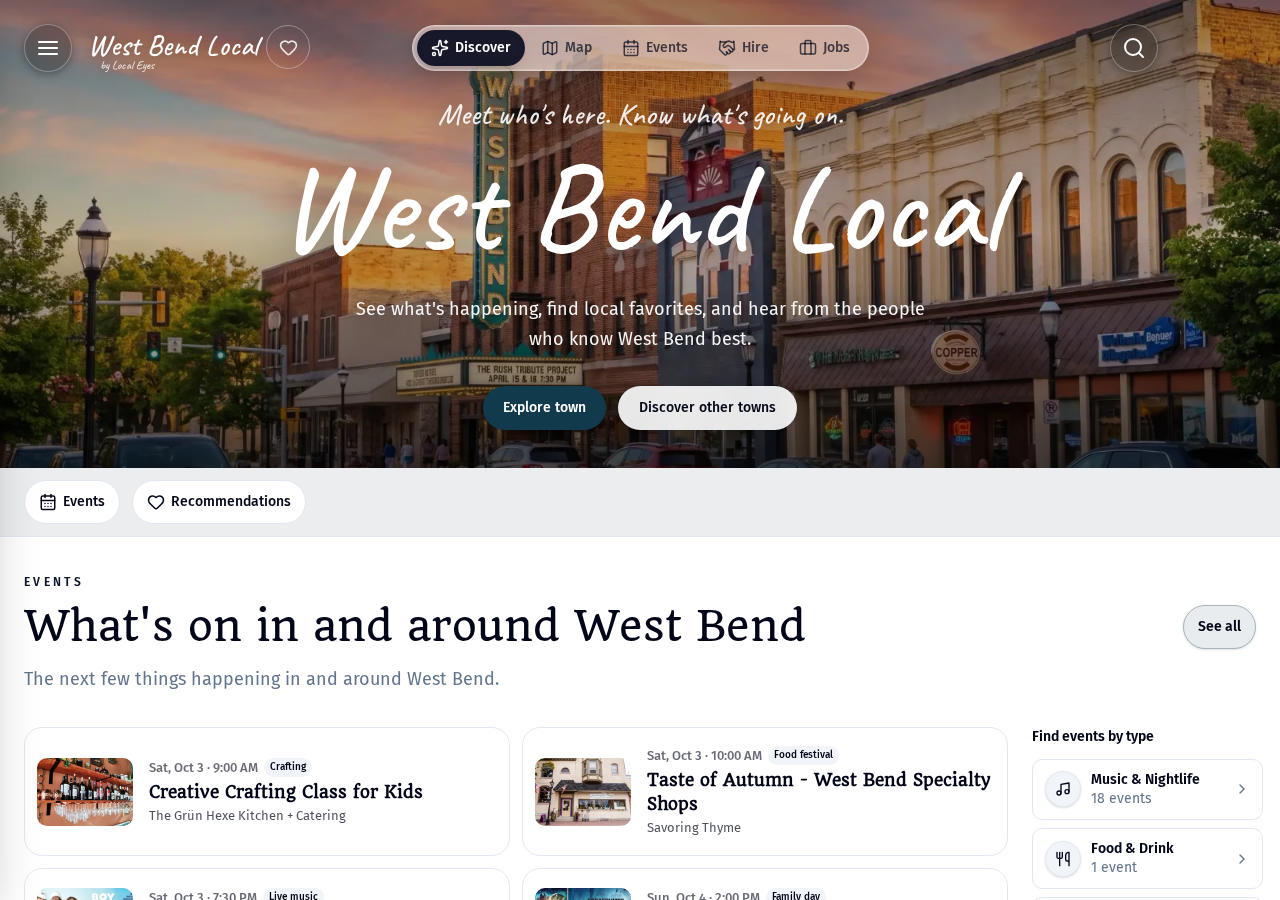
- 1Open the town's pageEvery town on Local Eyes has its own guide. Open the one you want to keep up with.
- 2On a computer, tap the heartThe heart sits at the top of the page, next to the town's name. Tap it once to follow.
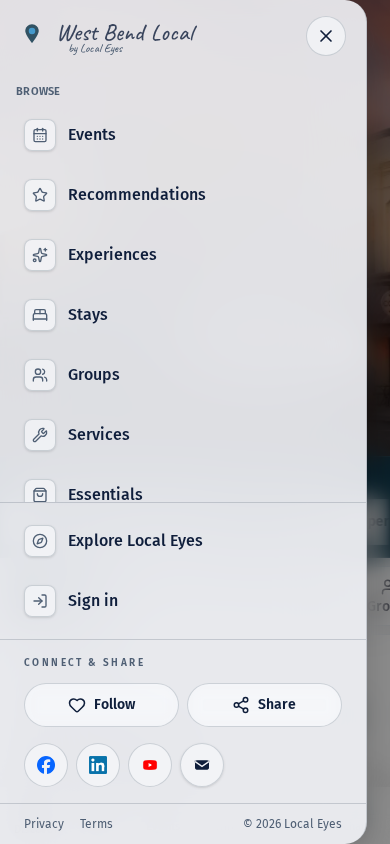
- 3On a phone, use the menuOpen the menu from the top corner and tap Follow. Sign in if asked, so your towns and emails reach you.
Following a town covers everything in it: its places, events and groups. There is no need to follow each business separately.
01 · My Local Eyes
Your towns, all in one place
01 · My Local Eyes
Your towns, all in one place
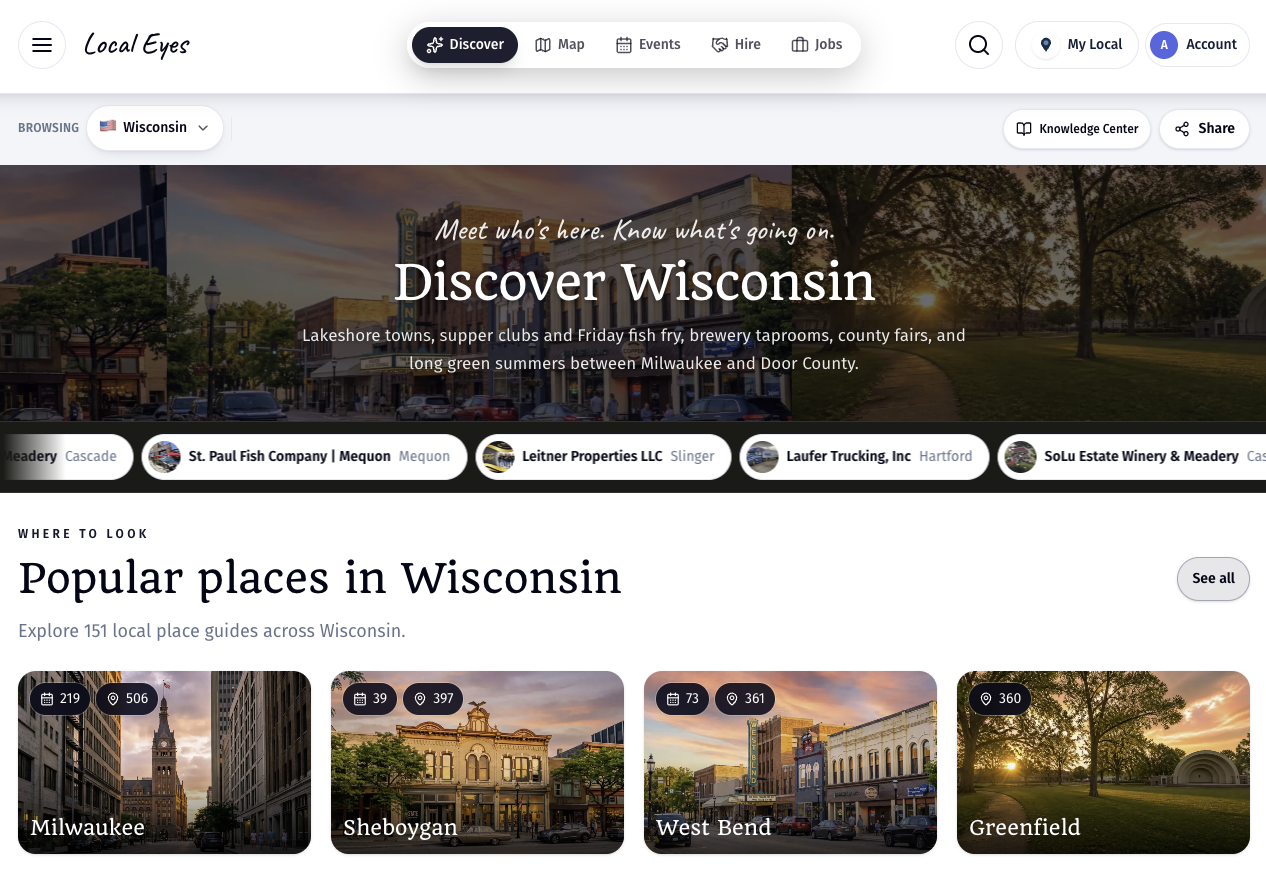
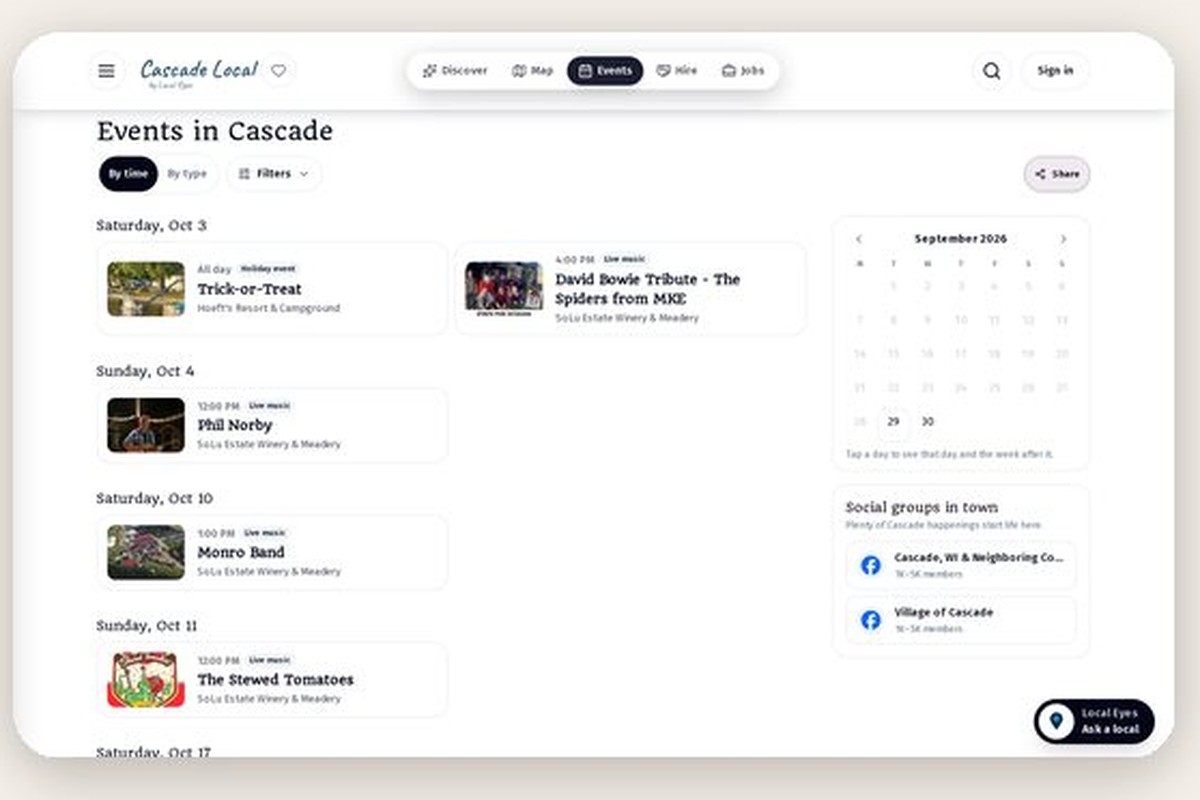
My Local Eyes is your personal page. It gathers the week ahead across every town you follow, so one visit replaces checking each town on its own. Open it from the My Local button at the top of any page, on computer and phone alike. Filters labeled My towns also narrow events and places to just your towns wherever you browse, so the guide feels local to you.
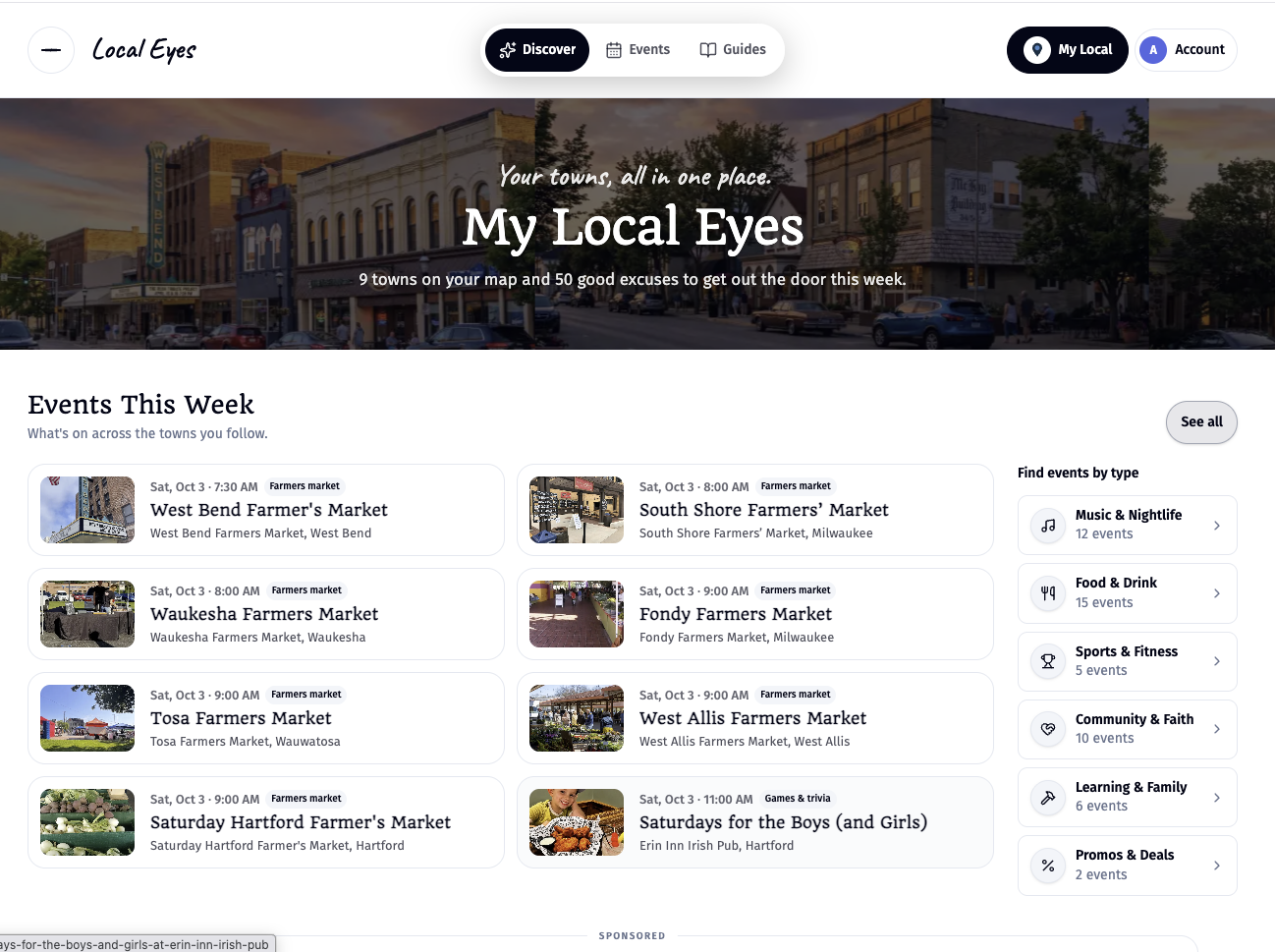
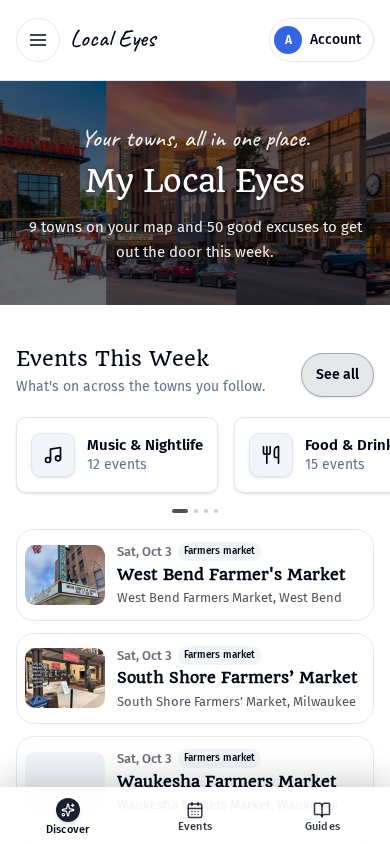
- 1Open My LocalThe My Local button sits at the top of every page once you follow a town.
- 2See the week across your townsEvents This Week gathers what is on in all of them, with the town named on every card.
- 3Browse by typeNarrow the week to live music, food and drink, family activities and more.
02 · Weekly email
One email a week, then nothing
02 · Weekly email
One email a week, then nothing
Once a week you get Your week ahead: a short email with the events and new guides across the towns you follow. One tap opens My Local Eyes for the full picture. That is the only regular email following sends; there is no daily drip.
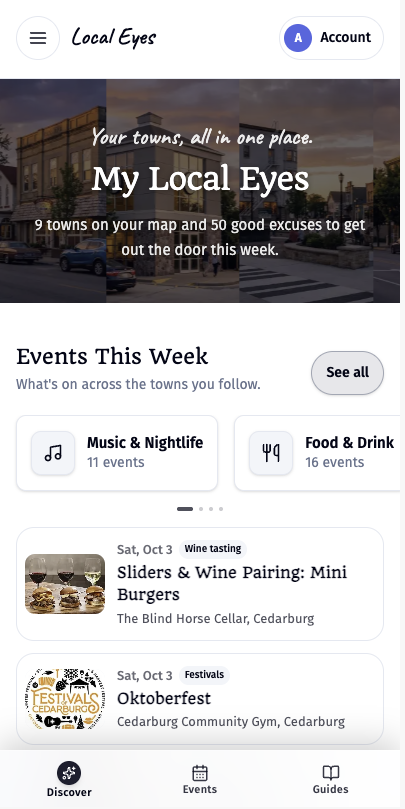
- 1Scan the weekEach entry shows the day, time, event, venue and town.
- 2Open what catches your eyeTap any event for its full details, or open My Local Eyes for everything at once.
03 · Save
Save places to a recommendation list
03 · Save
Save places to a recommendation list
The plus button on any place card adds it to a recommendation list. Use it for the cafe you want to try or the venues you are comparing. Pick an existing list or start a new one, and share the list with friends when it is ready.
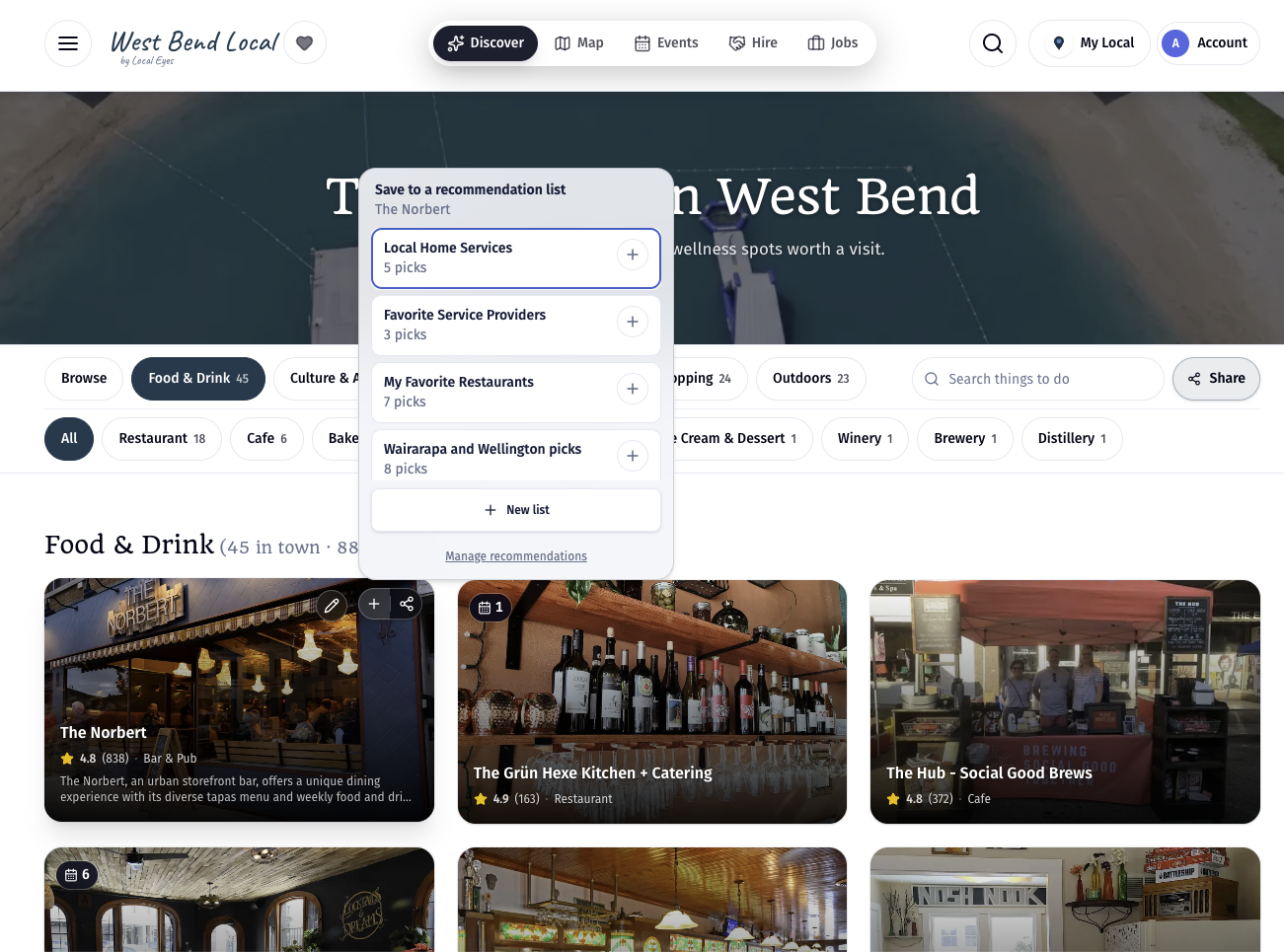
- 1Tap the plusIt sits at the top of every place card, next to share.
- 2Choose a listAdd to a list you already have, or tap New list to start one.
- 3Share itManage recommendations opens all your lists, ready to share.
04 · Stop any time
Change your mind
04 · Stop any time
Change your mind
Unfollow from the town page, or use the unsubscribe link at the bottom of any weekly email. Your recommendation lists are not affected.